How many batteries do I need calculator: home backup by hours and load
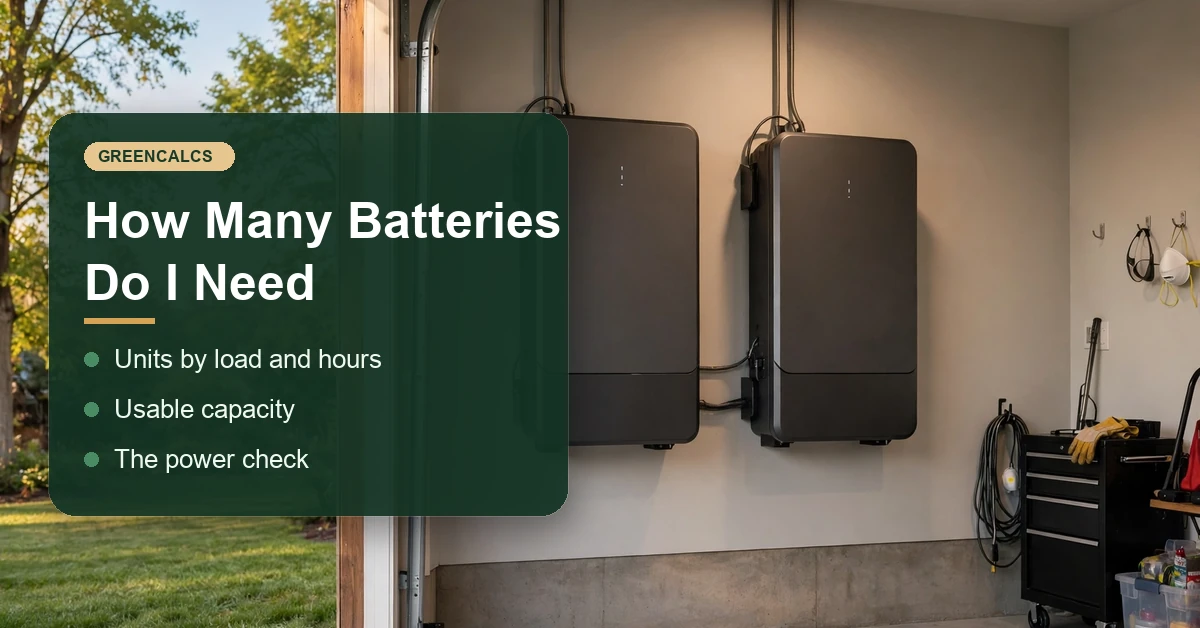
This how many batteries do I need calculator works out how many home batteries cover your backup goal. Enter the electricity you want to keep running each day, how many hours of backup you want, and the usable capacity of the battery you are considering. The tool converts your daily use into the energy needed for that period, adds a 10 percent margin for losses, divides by usable capacity per unit and rounds up. A home keeping 10 kWh a day of essentials running overnight needs one 13.5 kWh battery; covering 30 kWh a day for a full day needs three.
Count your batteries
On this page
- How many batteries do I need calculator: how it works
- The formula behind the battery count
- Battery backup calculator grid: units by daily use and hours
- How many Powerwalls do I need?
- Usable capacity: the number that decides runtime
- The power check: can the battery start your air conditioner?
- Whole home or essential loads?
- Backup with solar vs without solar
- Costs and the end of the battery credit
- Frequently asked questions
How many batteries do I need calculator: how it works
- Enter your daily backup load in kWhEither type a daily total or build it from the appliance list: refrigerator, lights, internet, a medical device, a well pump, a furnace fan or central air. Each preset adds its typical daily kWh.
- Choose a backup durationOvernight is 14 hours, the gap between sunset and the point where solar is recharging the battery the next morning. A full day is 24 hours. Three days covers a long outage with little or no recharge.
- Pick a batteryPresets load the usable capacity and continuous power from current datasheets: Tesla Powerwall 3 at 13.5 kWh and 11.5 kW, FranklinWH aPower 2 at 15 kWh and 10 kW, and Enphase IQ Battery 10C at 10 kWh and 7.08 kVA. You can also enter any usable capacity.
- Read the resultThe tool shows the unit count, total usable storage, how long that storage lasts at your load, and a power check that flags when your largest appliance may not start on the batteries you picked.
The formula prints under the result. This how many batteries do I need calculator counts units and runtime; if you want a raw capacity figure in kWh and an installed cost estimate, use our solar battery calculator, which sizes storage by days of autonomy and depth of discharge.
The formula behind the battery count
Multiply your daily load by the backup hours, then divide by 24. Ten kWh a day for 14 hours is 10 × 14 ÷ 24 = 5.83 kWh.
Multiply by 1.1. Battery energy passes through an inverter on the way to your outlets, and the backup gateway and the battery's own electronics also draw a little power. Our 10 percent margin covers these losses: 5.83 × 1.1 = 6.42 kWh.
One Powerwall 3 holds 13.5 kWh of usable energy, so 6.42 ÷ 13.5 = 0.48, which rounds up to one battery.

Usable storage divided by hourly load gives runtime. One 13.5 kWh unit running a 10 kWh a day load lasts 13.5 ÷ (10 ÷ 24 × 1.1) = about 29 hours with no recharge. The same unit at 30 kWh a day lasts about 10 hours.
The count is rounded up and nothing else is added. If you want to keep a reserve in the battery for the next outage, raise the backup hours rather than padding the count.
Battery backup calculator grid: units by daily use and hours
For readers who want a quick answer without the inputs, each cell below shows the number of units needed at the stated daily load, using the formula above.
| Daily backup load | 14 hours, 13.5 kWh units | 24 hours, 13.5 kWh units | 72 hours, 13.5 kWh units | 24 hours, 10 kWh units |
|---|---|---|---|---|
| 10 kWh (essentials) | 1 | 1 | 3 | 2 |
| 20 kWh (essentials plus some cooling) | 1 | 2 | 5 | 3 |
| 30 kWh (typical whole home) | 2 | 3 | 8 | 4 |
| 40 kWh (large home) | 2 | 4 | 10 | 5 |
| 60 kWh (large home with heavy cooling) | 3 | 5 | 15 | 7 |
The 72 hour column assumes no recharge at all. With working solar, even a cloudy day usually puts some energy back, so three days of backup rarely needs the full count shown. It is the right planning number, though, for a home with no panels or for a winter storm that buries them in snow.
How many Powerwalls do I need?
Using the Powerwall 3's 13.5 kWh of usable capacity, the common answers are:
- One unit covers essentials overnight and usually for a full day: a refrigerator, lights, internet, phone charging, a furnace fan and occasional microwave use, at around 8 to 12 kWh a day.
- Two units cover a typical home overnight, including some air conditioning, at 20 to 30 kWh a day.
- Three or more are needed for a full day of whole home use at 30 kWh or more, or for a home with electric heat or a large central air system.
The same logic applies to other brands; only the capacity changes. A FranklinWH aPower 2 holds 15 kWh, so it sometimes saves one unit at the margin. An Enphase IQ Battery 10C holds 10 kWh, so it usually needs one more unit than the Powerwall for the same backup. Per kWh installed prices differ by brand and installer, so compare quotes on total usable kWh and price, not on unit count. Our breakdown of the Tesla Powerwall 3 price shows what one unit costs installed.
Usable capacity: the number that decides runtime
Every battery has two capacity figures. Nominal or total capacity is everything the cells hold. Usable capacity is what the battery lets you draw before it shuts down to protect the cells. Some brands quote only the usable figure, while others quote total and usable separately, so check which one a quote uses before entering it.
The difference matters. Using total capacity in a sizing formula makes a system look larger than it is and overstates runtime. The tool always works in usable kWh, and every preset uses the usable figure from the manufacturer's datasheet.
Two more details affect real runtime:
Round trip efficiency
The Powerwall 3 lists 89 percent and the IQ Battery 10C and aPower 2 list 90 percent. This matters most when you buy and sell power daily; for backup, the losses on the way out are what count, and our 10 percent margin covers them.
Aging
Battery capacity fades with use. The Powerwall 3 warranty promises 70 percent of capacity after 10 years, and Enphase promises 60 percent after 15 years or 6,000 cycles. A system sized exactly to today's need covers less later, so if long outages matter, round up generously.
The power check: can the battery start your air conditioner?
Energy and power are separate limits. Energy, in kWh, decides how long the battery lasts. Power, in kW, decides how much it can run at once. A battery bank can hold plenty of energy for the night and still fail to start a central air conditioner, because the compressor draws a large surge for a fraction of a second when it starts.
That surge is listed on the outdoor unit's nameplate as locked rotor amps, or LRA. Compare it with the battery's starting rating: the Powerwall 3 is rated to start loads up to 185 LRA, and the aPower 2 lists 185 A LRA. If your compressor's LRA is close to or above the rating, a soft starter can cut the surge sharply, or a second battery adds power as well as energy. For continuous load, add up the running watts of everything that might run at once and compare it with the battery's continuous output: 11.5 kW for a Powerwall 3, 10 kW for an aPower 2, 7.08 kVA for an IQ Battery 10C.
The tool flags any appliance you select whose running watts or starting surge come close to these limits. A heat pump replacing a gas furnace changes the picture in winter as well; our comparison of a heat pump and an air conditioner explains how their loads differ.
Whole home or essential loads?
You have two ways to wire backup.
The installer moves selected circuits, such as the refrigerator, lights, internet, a furnace fan and a few outlets, to a separate panel the battery protects. This keeps the daily load near 8 to 12 kWh, so one unit usually covers overnight backup.
The battery protects the main panel, and everything in the house stays on. Use rises to whatever your home normally uses, often 25 to 40 kWh a day, and large loads like central air, an electric range or an EV charger can drain the batteries in hours. Many whole home systems use a smart panel or load controllers to shed big loads automatically during an outage; our guide to the SPAN smart electrical panel covers how that works.
For most homes, protecting essentials with one or two batteries is the more affordable route, and it is often what installers recommend unless outages are long and frequent.
Backup with solar vs without solar
With solar, the battery only needs to bridge the night. Panels recharge it during the day, so the 14 hour overnight setting is the right choice for most solar homes. Sizing for 24 hours gives you extra cover for a cloudy morning. If your array is small for your use, check your production first with our guide to how many solar panels you need.
Without solar, the battery can only recharge from the grid once power returns. Every hour of the outage has to come from stored energy, so the 24 or 72 hour column is the honest planning figure, and the count rises fast. For short and infrequent outages, a portable power station or a solar generator for home backup may cover essentials for far less money.
A battery can also earn its keep on normal days. On time of use rates or under net billing rules that pay little for exported solar, storing midday surplus for the evening can lower bills. How your utility credits exports shapes that value, as our explainer on how solar net metering works shows, and our guide on whether solar battery storage is worth it weighs the backup and bill savings together.
Costs and the end of the battery credit
No federal tax credit is applied in this calculator. The 30 percent residential clean energy credit, which also covered batteries, ended for systems installed after 2025; see our page on the federal solar tax credit in 2026 for details. Some states and utilities still offer battery rebates or pay owners to share stored energy during peak demand, and those programs can cut the price substantially where they apply.
To see how a battery changes the payback of a whole solar system, enter the combined price in the solar payback calculator.